Comfort Trade vs Player Auction: Which Method Is Better?
Both methods end with FC 27 coins in your Ultimate Team club, yet they ask very different things of you. Here is how each one runs, what you hand over, and why Comfort Trade is the only option on our checkout right now.
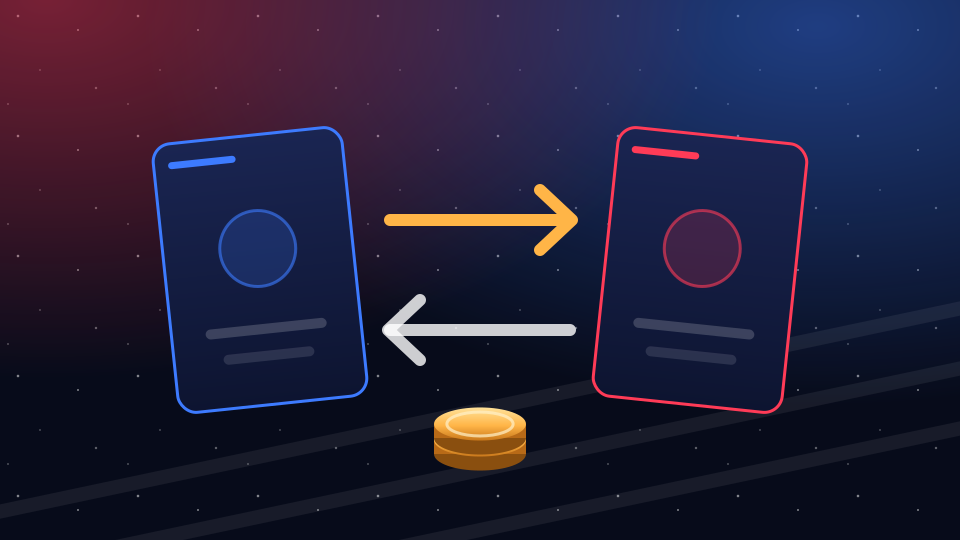
The short answer
Comfort Trade means you hand over access and then sit back while a delivery agent works inside your club through the Web App and brings the coins in for you. Player Auction means you keep your login to yourself and do the legwork: you list a card, and the seller buys it at an agreed amount. If your time matters most and the order is large, Comfort Trade is the fit. If you would rather nobody else ever signs in to your EA account, Player Auction is the idea that appeals.
One thing decides it for now. Player Auction is a method we can describe but not sell, because it is currently unavailable at our checkout. Every order of FC 27 coins placed with us today is delivered by Comfort Trade.
Comfort Trade, one step at a time
- Choose platform and amount. Open the order calculator, pick PlayStation, Xbox or PC and any amount from 100K to 20M, then pay on the partner's secure storefront (Visa, Mastercard, Apple Pay, Google Pay).
- Share your EA sign-in. On the order page you enter the email and password of your EA account, plus EA backup codes or a one-time EA code. Your PlayStation Network, Xbox or Steam password never comes into it.
- Step away from Ultimate Team. Close Ultimate Team everywhere, meaning the console or PC game, the browser tab and the phone app, and keep it closed until the order is marked done. A login from your side in the middle of delivery can cut the agent's session short and hold things up.
- The agent trades the coins in. Working in the Web App, a delivery agent brings the coins into your club through ordinary transfer market trades, then logs out. Most orders take 10–45 minutes, and big ones arrive in batches.
- Check the club, then change the password. When the order shows as complete, open Ultimate Team and look at your coin balance. Setting a new EA password after any shared login is simply good practice.
Every order carries our 72-hour guarantee, and live chat answers around the clock if something looks wrong. The full sequence from payment to delivery is laid out on how it works.
Player Auction, one step at a time
Player Auction flips the roles. Nobody signs in to your account; the coins travel inside a sale that you set up yourself. A typical run looks like this:
- Agree on a card. The seller picks a tradeable card you own and tells you the start and Buy Now amounts to use.
- List it yourself. You put that exact card on the transfer market with those exact numbers, on whichever screen is handy: console, browser or phone.
- The seller buys it. The seller finds your listing and buys it outright. The coins reach your club when the sale completes, minus the 5% EA keeps from every sale.
- Repeat for bigger orders. A large amount usually needs several cards, each listed and bought in turn.
You never type a password for anyone, which is the whole appeal. The catch is that every listing rests on you, so a wrong card, a slipped zero or a stranger who grabs the card first can cost you coins. Since Player Auction is currently unavailable at our checkout, this section is here so you can weigh the two methods fairly, not as an option you can pick.
The two methods at a glance
| Compared on | Comfort Trade | Player Auction |
|---|---|---|
| What you hand over | Your EA login, plus backup codes or a one-time code | Only your platform, plus a card and its listing numbers |
| Who does the trading | A delivery agent working in the Web App | You list; the seller buys |
| How fast | Most orders within 10–45 minutes; large ones come in batches | As fast as each card gets listed and bought |
| Your part | Keep out of Ultimate Team until it's done | Set up every listing by hand |
| Suits | Any order from 100K to 20M | Small amounts, for players who won't share a login |
| Availability today | Available at checkout | Currently unavailable at our checkout |
Which method is safer?
There is no single answer, because the two methods protect different things. Player Auction protects your login: no one else signs in, so there is nothing to reset afterward. Comfort Trade protects the order from your own slips: you list nothing, so a mistyped amount or a sniped card can't eat into what you paid for.
When an agent signs in for you, the sensible questions are about the login. Our process asks only for EA account details and EA codes, never the password to PlayStation Network, Xbox or Steam. Payment runs on the partner's secure storefront, and a fresh EA password once the coins land closes the door again.
What neither method changes is EA's own position. Under EA's rules, coins are not to be bought from outside sellers or shifted between clubs through the market, and EA names restricted market access, removed coins and account bans among its penalties. Both methods move coins through market trades, so those rules apply whichever one you use. The safe habits are the same either way: a strong EA password, and a look at your club once delivery is done. No seller can honestly promise zero risk; our page on buying safely explains what we do and what is worth doing after delivery.
Which method is faster?
Comfort Trade, in most cases. The agent does all the trading for you, so a typical order of FC 27 coins lands within 10–45 minutes, and large amounts follow in batches. You don't need to be anywhere near your console; you only need to keep out of Ultimate Team.
The do-it-yourself route moves at the pace of its slowest step. Each card has to be listed by you, spotted by the seller and bought, and a big order repeats that loop many times. If you are listing from your phone between classes or on a lunch break at work, a single order can stretch across the whole day.
Which to pick by order size
- Small FC 27 coins top-ups from 100K. In principle either method works here, since one listing can carry a modest sum. At our checkout that choice is already made for you.
- Mid-size orders. The listing route starts to mean several cards in a row, each one a chance to slip. One agent session handles the same amount in a single delivery window.
- Large orders up to 20M. Comfort Trade is the practical route. The agent delivers in batches while you get on with your evening.
Whatever the size, pick the club you actually play on. Your PS5 and PS4 run the same club; Series X|S and Xbox One run another; PC has a separate club and market.
Common mistakes with each method
With Comfort Trade
- Opening the game or the phone app "just to check" while the order is still running.
- Choosing the wrong platform at checkout, so the coins are aimed at a club you don't use.
- Sending backup codes that were already used. Each one works a single time, so generate a fresh set if you are unsure.
- Changing the EA password before the order is marked complete.
- Ordering while your club still can't trade in the Web App. If yours is locked, our guide on unlocking the transfer market walks through both locks.
With Player Auction
- Listing a different card than the one agreed, or another version of it.
- Typing the start or Buy Now amount with one zero too many or too few.
- Forgetting EA's 5% cut, so the coins that arrive fall short of what you counted on. The tax calculator shows that cut before you list.
- Listing before the seller is ready, which leaves the card open to any player with enough coins.
Why our checkout delivers by Comfort Trade
Order FC 27 coins here and the checkout offers exactly one method: Comfort Trade. Player Auction is currently unavailable at our checkout, and we would rather say so plainly than list an option you can't actually choose. If that ever changes, the checkout itself will show it.
The upside of a single method is a single process: the same steps, the same 10–45-minute window for most orders, and the same live chat if you need a hand. Delivery timing by order size is on our delivery page, and the Web App guide explains the app the agent works in. When you are ready to buy FUT coins for your club, set the amount in the calculator and pick your platform.
Comfort Trade and Player Auction questions
Short answers on how each method works and what you can order today.
How does Player Auction work?
You list a tradeable card from your club at the start and Buy Now amounts the seller gives you. The seller then buys that listing, and your club receives the coins minus EA's 5% cut. Bigger amounts take several cards. Player Auction is currently unavailable at our checkout, so we don't run it today.
Is Player Auction a legit way to get coins?
As a method it is real: it is simply an ordinary sale set up so the coins reach you. Whether it goes well depends on the seller and on you listing exactly what was agreed. It also falls under the same EA rules as any other coin purchase. Our checkout offers Comfort Trade only for now.
Can I buy FIFA coins, and how does it work?
Yes. The coins now go by FC 27 coins or FUT coins, and buying them with us takes a few minutes: choose platform and amount, pay, then give us your EA sign-in details and backup codes through the order page. A delivery agent brings the coins in through the Web App while you stay out of Ultimate Team, usually within 10–45 minutes.
Can I get banned for buying coins with either method?
Buying coins from outside sellers is against EA's rules, and EA lists market restrictions, coin removal and bans among its penalties. That applies to both methods alike, because both rely on the transfer market. No seller can promise zero risk. Staying out of Ultimate Team during delivery and changing your EA password afterward are safe habits worth keeping.
Do you need my PlayStation, Xbox or Steam password?
No. Our delivery only needs the email and password of your EA account and EA backup codes or a one-time EA code. Your console network or Steam login is never part of the order. Once the coins are in your club, setting a new EA password is good practice.
How long does Comfort Trade take?
Most FC 27 coins orders arrive within 10–45 minutes of the agent signing in. Bigger orders come in batches and take longer from the first coins to the last. Live chat can tell you where your order stands at any hour. Keep Ultimate Team closed on all devices until the order shows as complete.

Ready for your FC 27 coins?
Set the amount, pay in US dollars and get back to your squad in 10–45 minutes. Live chat is there day and night if you get stuck.